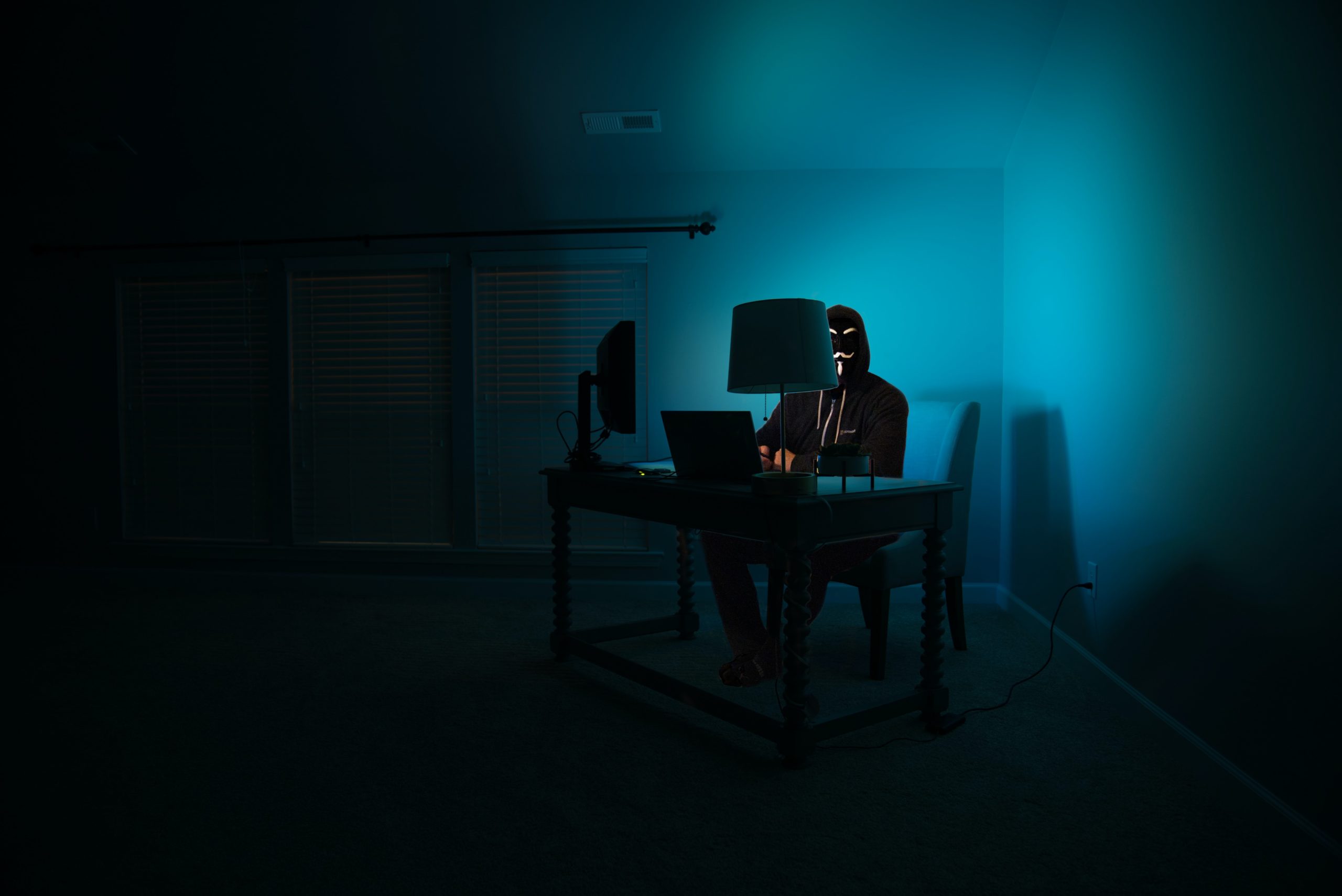
Powering a significant chunk of the world's web, WordPress turns out to be a prime target for a huge range of cyberattacks. And that sometimes earns it an unenviable reputation as an insecure solution. Yet, while your WordPress site is often the target of outside attacks, effective ways to protect against them exist, and a set of good practices can greatly reduce the risks.
I. What are hackers' goals when they hack your WordPress site?
Let's agree on one thing: unless you move in activist circles or shady activities, there's little chance the hacker in question has a personal grudge against you.
Most attacks against WordPress sites are carried out automatically by hordes of bots. By bots, I mean "computers programmed to do this". It can even be other hacked sites that start hacking yours. There's of course always a human behind it, but that person isn't targeting you personally.
Money as the main motive
What the person behind it is looking for, most of the time, is easy money. For example, they might try to:
- Publish ads that earn them fractions of a cent (the classic "You've won an iPhone 14", or "Your computer has a virus, call this hotline now")
- Quietly add a script that makes your visitors mine cryptocurrency on their behalf.
These scripts generally know how to stay discreet, since their goal is to stay on your site for as long as possible to accomplish their mission. So they generally don't show up when an administrator is logged in.
Let's not forget that if all this happens automatically, it's because the process has been industrialized. The hacker here is trying to go for volume, and so hack a very large number of sites at once.
Spreading political ideas
Another reason this person might act can be spreading nauseating political ideas. Very common a few years ago, activists would then carry out defacements: replacing your site with their propaganda. We see fewer attacks of this kind nowadays, but it remains a recognized motive for attack.
Collecting personal and banking data
They might also want to get their hands on your data, and if it's poorly secured, they will: your user list (including their name, email, hashed passwords...), your latest e-commerce orders, shipping slips, or worse still, billing or banking information.
With this information, they can either resell it to scammers, or if it's really critical, blackmail you for a ransom (the well-known cryptolocker attacks).
Using your resources for malicious activities
The last reason a hacker might want to attack your site is: to use it as a relay for other attacks.
In this type of attack, your site will join a small army of other "botnet" machines that can be mobilized to carry out Denial of Service Attacks (DDOS), send mass emails (very clearly SPAM), or even... hack other sites.
A hacker won't hack a server directly from their own personal IP address, they'll prefer to mask it by using yours as a relay.
II. How do hackers manage to hack your site?
There's one constant across every cyberattack: the attacker took advantage of a gap in the system, at one level or another. So the idea to protect yourself from being attacked is to leave them as few entry points as possible, in particular by banning certain bad practices.
So, if your site got hacked, it's probably because you made at least one of the following mistakes. This list will give you ideas for improvement to strengthen your site's security and avoid trouble.
Reason #1: You haven't updated WordPress and its plugins in a while
WordPress drags around the bad reputation of being inherently insecure.
Nothing could be further from the truth: because of its reputation and its massive usage, WordPress is on the contrary one of the most audited and patched systems in the world.
The teams who build the WordPress CMS are very responsive. When a flaw is found (unfortunately, it happens, as with any other system) fixes are generally rolled out very quickly... As long as you actually install the updates!
One constant I've noted on 100% of the hacked sites I've worked on, is that updates hadn't been done in a long time.
When it comes to plugins, though, you're at the mercy of their respective publishers. Indeed, when a flaw is found in a plugin, it's up to its author to fix it, not to the WordPress development team.
If the plugin is still actively maintained by a serious team, it will normally be updated as soon as a flaw is found in it. Know that to be listed in the WordPress plugin catalog, plugins generally go through a battery of tests to confirm they're not dangerous (that said, this is no formal guarantee of being protected).
Either way, it always requires manual action on your part: if you have a little bubble telling you that you have "23 plugins waiting for an update" in your back office, you know what's left to do!
Reason #2: You're using a plugin or theme no longer maintained by its author
Some plugins were sometimes last updated several years ago and the developer has moved on to other adventures. So be careful using niche plugins that haven't been maintained in a while (this information is easily accessible from the WordPress plugin catalog).
If a plugin hasn't been updated in a long time, it would be better to remove it and replace it with a more recent solution, or a (properly) custom-built one.
Careful: deactivating an outdated plugin isn't enough, since it remains accessible to a potential attacker who knows the exact URL of its files (easily guessable for well-known plugins). The only way to truly remove a plugin is to permanently delete it via the back office or over FTP.
Reason #3: You've installed a rigged version of a premium theme or plugin
Premium themes and plugins can be expensive, and it can be tempting to hunt down a "nulled" version on shady websites.
I'm not your father, you do what you want.
Just know that cracked WordPress themes and plugins are major attack vectors for your site: all it takes for the crooks is to give you a slightly different version of the plugin, which will work exactly like the original in every way, but will contain a backdoor to allow a discreet attack at a moment you're not expecting.
What's more, you won't have access to the publisher's security updates, which further increases the odds of being attacked.
Believe me, you'd be better off buying that plugin/theme and updating it regularly.
Reason #4: You built custom features without worrying about security
Building a WordPress site means working with fairly minimal code with few layers of abstraction. This code relies on a language (PHP) that isn't inherently secure: just like with any other PHP framework, nothing in WordPress's code stops you from introducing security flaws.
So, even though it doesn't explicitly encourage it, WordPress won't raise any error or warning if you write sloppy code. And if you don't care about security, you'll quickly introduce XSS-type flaws, that's a certainty.
Data coming from your forms must always be sanitized using WordPress's dedicated functions (this will certainly be the subject of its own article one day).
In the same way, every form should be protected against CSRF flaws using nonces. That's the case in most form plugins, but watch out for custom code done "quick and dirty"!
Broadly speaking, if your code contains any of these PHP functions or variables, you're taking big risks:
exec: you should avoid arbitrarily executing PHP code coming from a stringfile_get_content: if you're loading a resource from another server, make sure$_POST['foo']or$_GET['bar']with no sanitizing function around it
Reason #5: You copied insecure code from StackOverflow
This point is a variant of the previous one, but one people think about less. Picture this:
A year ago you looked for how to solve a particular, slightly tricky problem. You found a solution by copying code you only half understood from a StackOverflow thread. Lulu26's post, written back in 2014, helped you a lot, and you copied their solution without asking too many questions.
Now, while Lulu26 wasn't ill-intentioned, they did give you insecure code, which introduced flaws into your source code.
So be careful, and always re-read, making the effort to understand it, any code you add to your application.
Reason #6: You just installed WordPress without any further configuration
Effectively securing a WordPress install would certainly take a whole article, or even more. That one will certainly come out someday.
In general, here are a few pointers in no particular order:
- Correctly configure your site's .htaccess file
- Prevent directory listing across your site's file tree (dotfiles included)
- Move WordPress's log file
- Move WordPress's
wp-config.phpfile - Block access to
xmlrpc.php - Apply the correct permissions on your site's files and directories
- Block access to certain parts of your site
- Prevent code execution in sensitive folders
- Install a security plugin in your WordPress back office
- Configure Fail2Ban on your dedicated server (managed or not)
- …
Reason #7: You left information freely accessible that had no business being there
Quick reminder: your WordPress site is not your personal storage space.
Some people sometimes tend to forget this, but even though your site has generous disk space, easily accessible via FTP, it remains accessible online by anyone. So it's not meant to replace your DropBox account or WeTransfer.
While it might be tempting to store a heavy file in your site's web space to send it to a friend or colleague, don't forget on the other hand that it's that much information a potential attacker will have access to.
Reason #8: There are poorly secured sites on the same install as your main site
You protected everything properly, and yet your site still got hacked!
I've already seen several cases like this and the reason was... That another WordPress install present on the same server was poorly secured. Once they've managed to get into your site, hackers generally manage to climb back up the directory tree and find other WordPress sites to hack.
They're very often forgotten, but staging sites that stop getting updated after a project launches, or a friend's site hosted right next to yours, are also entry points for carrying out an attack. They should be secured the same way, if they can't actually be properly siloed in a distinct web space. (See How to properly secure your staging site)
I'm also almost certain that on at least one of your sites, you have that little backups or old folder at the root of the install, containing your site's source code from 2 years ago, never updated since. Easy pickings for an attacker : so delete that folder you'll never do anything with again!

So you need to stay vigilant across every file present on your server, not just the small folder you're used to working in.
Reason #9: You used a password that wasn't strong enough
The simplest way into a house is still through its front door. If it's open, or only closed with a simple piece of string, it won't be hard for a burglar to get in. The same goes for your WordPress site.
So, it can never be said enough, but passwords must be strong and used only once. They should be changed regularly, especially whenever a team member leaves your organization.
I still see too many organizations keeping the same passwords for years, or reusing them everywhere, out of habit and convenience.
And since it's not necessarily easy nor desirable to remember hundreds of passwords, plenty of solutions exist to store them securely. Look into Dashlane or LastPass for commercial solutions. Or KeePass if you want to keep full control over this data and its hosting.
Conclusion
While WordPress is robust and designed to be resilient against cyberattacks, plenty of factors can weaken its security. Indeed, most of the flaws exploited during cyberattacks come down to bad practices and how the tool is used.
Is it really fair to blame WordPress for the bad use that can be made of it?
If your WordPress site has been hacked
Has your WordPress site fallen victim to an attack?
If you can't manage to fix the flaw or you want to make sure it is properly fixed: feel free to get in touch with me, we can fix your problem quickly and for good.